Organizations
The synced list of companies, and what to do when one is missing.
Open this page in VendorApp →Reading the list
This page mirrors the organizations in your Zendesk, with the side each has been filed under and its Zendesk organization id. Totals per side sit at the top; filter by side with the tabs, or search by name.
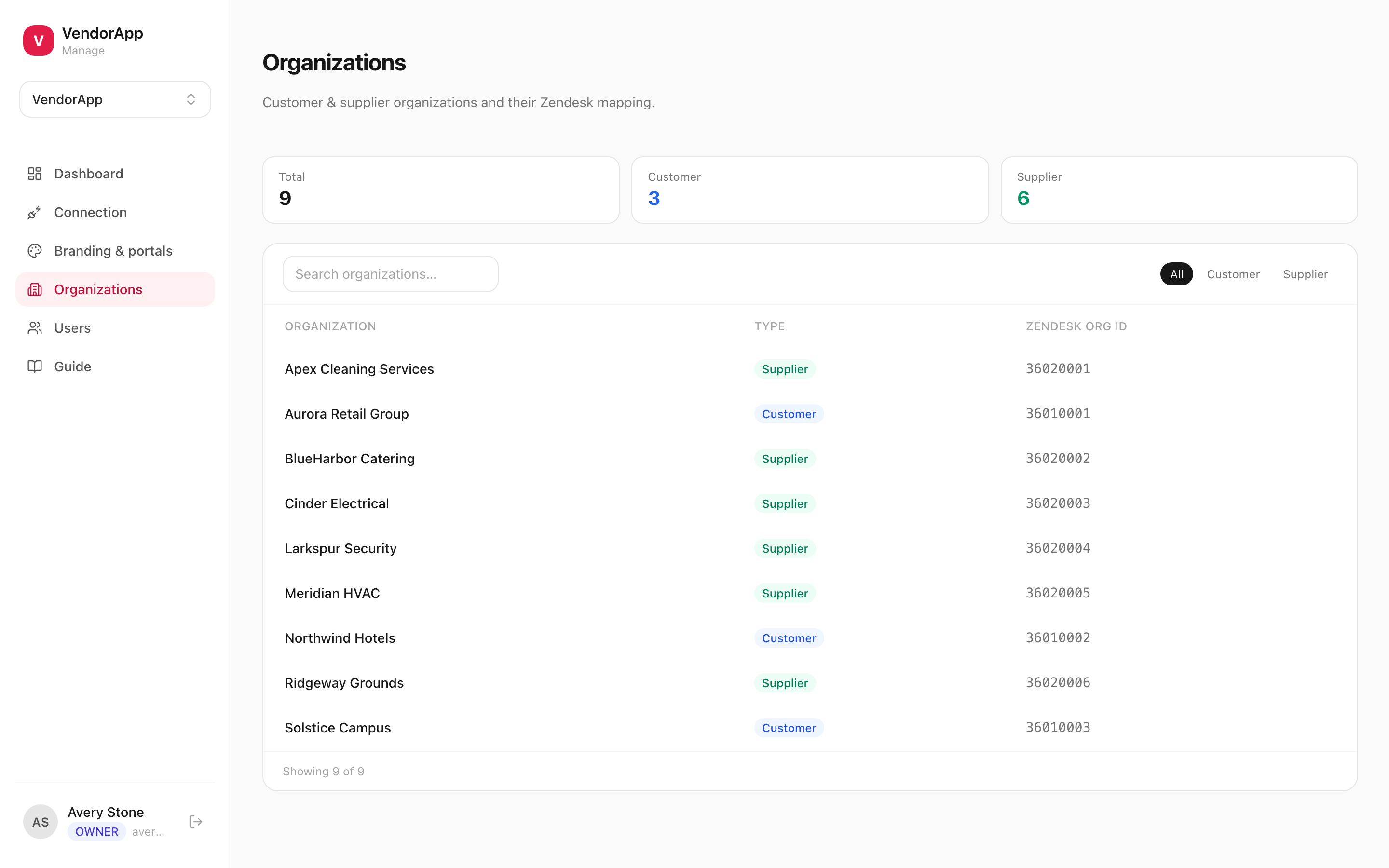
NoteThe list is read-only by design. Organizations are created and renamed in Zendesk; this page only reflects what a sync found.
An organization is missing or on the wrong side
- Confirm it exists in Zendesk and carries one of the tags you configured under Organization classification.
- If the tag was only just added, run Sync now on the Connection page — the list only changes when a sync runs.
- If it appears with a dash instead of a side, its tags match neither side. Either tag it in Zendesk, or set an Untagged organizations fallback.
CarefulAn unclassified organization is invisible to the visibility rules — its people will not see their tickets. Treat a blank side as a fault to fix, not a cosmetic gap.